Email Setup Support
Choose Your Device

We’ve created a range of tutorials to help you access your company emails from your chosen device. There is a video tutorial and a downloadable PDF for each device below.

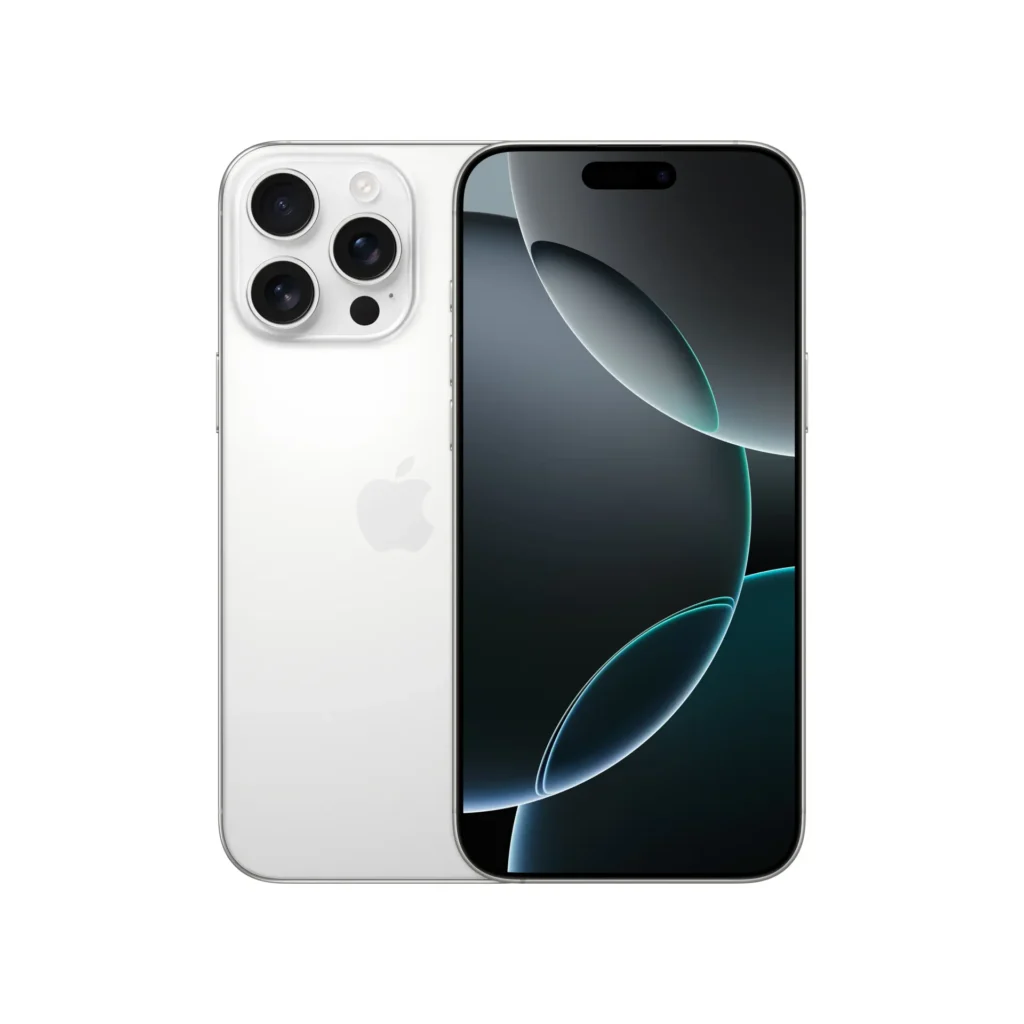
iOS (iPhone/iPad)

Follow this guide to get your emails setup using the default mail app for iPhone and iPad devices.

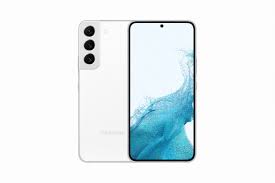
Android (Samsung/ Sony etc)

Follow this guide to get your emails setup using the default mail app for Android devices.

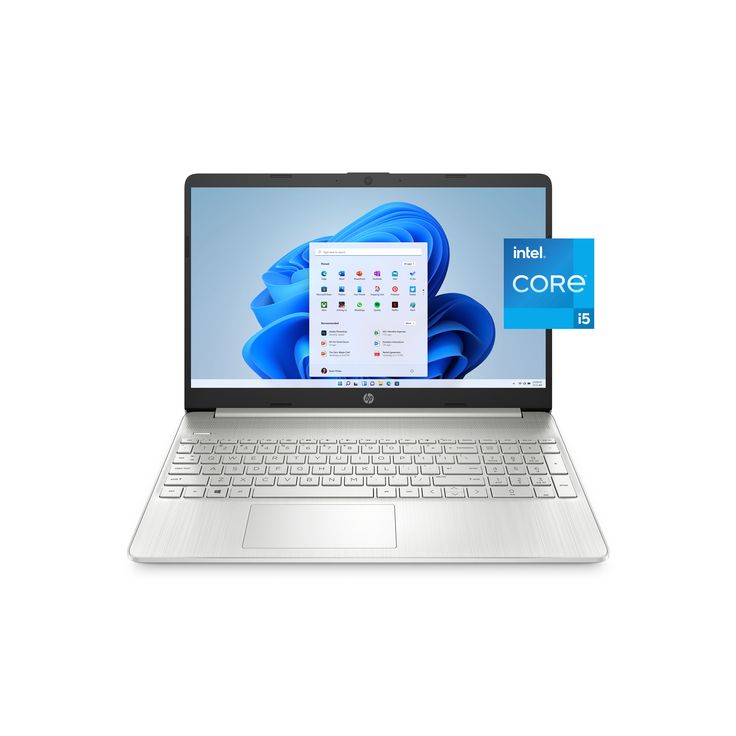
Windows PC/Laptop

Follow this guide to get your emails setup using the default mail app for Windows devices.

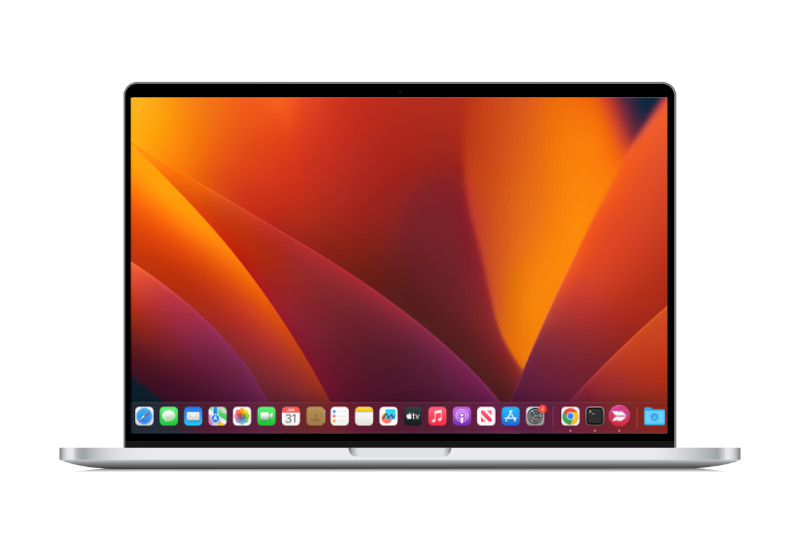
Apple iMac/ MacBook

Follow this guide to get your emails setup using the default mail app for Apple iMac and MacBook devices.

iOS Video Guide

Prefer to read?

Download a step-by-step tutorial instead

Android Video Guide

Prefer to read?

Download a step-by-step tutorial instead

Windows Video Guide

Prefer to read?

Download a step-by-step tutorial instead

iMac/MacBook Video Guide

Prefer to read?

Download a step-by-step tutorial instead