Elementor Version GUIDE
ELEMENTOR WEBSITE BASICS
DemoNSTRATION Page Project
ECOMMERCE TUTORIALS
LEGACY VIDEO TUTORIALS
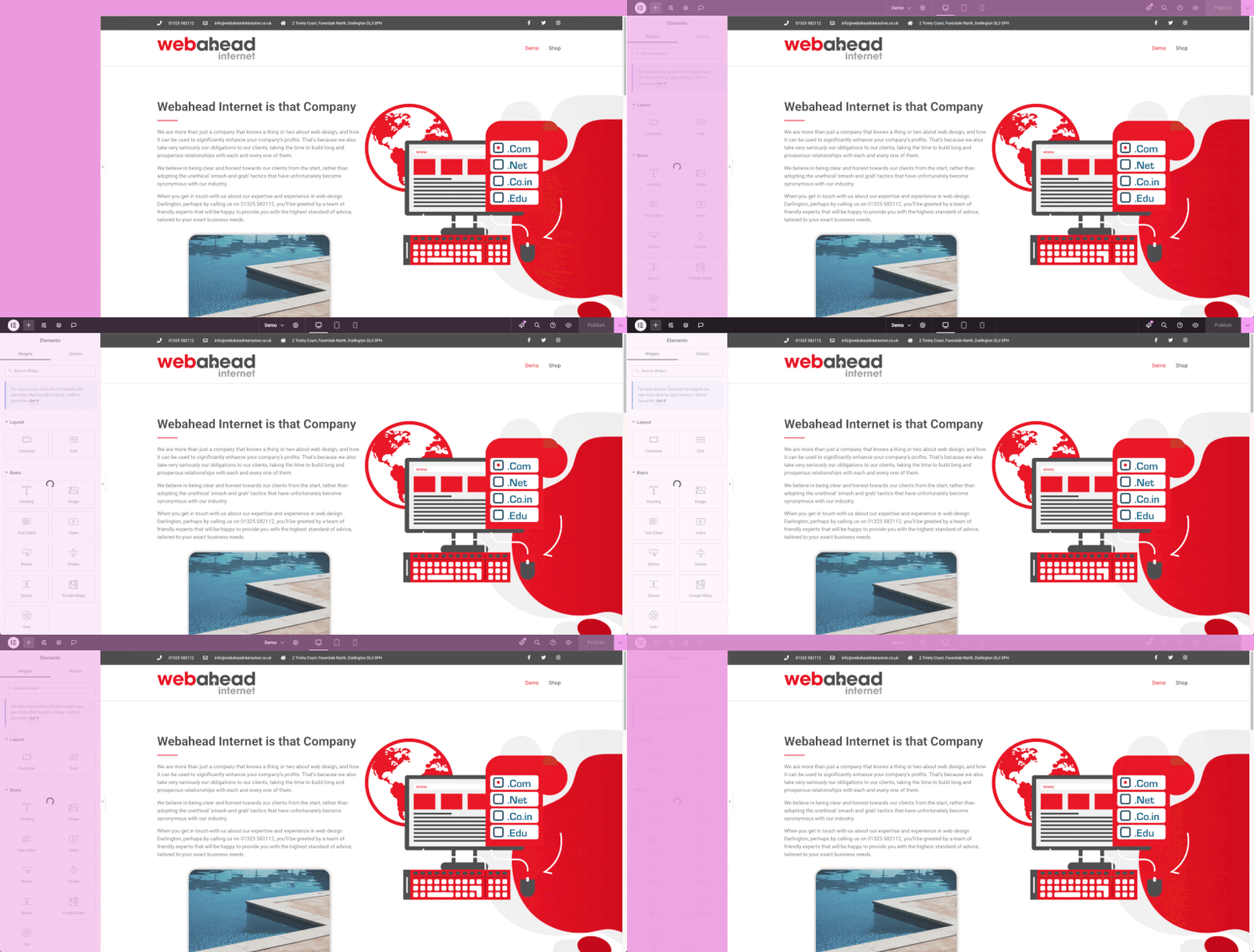
These first tutorials will help you learn the basics of your website, including WordPress, Elementor and how to navigate between the two. Both versions have the same features however the guides below will serve to familiarize you with how they work.
These first tutorials will help you learn the basics of your website, including WordPress, Elementor and how to navigate between the two.
Video Walkthrough
Video Walkthrough
Adding a Heading
Video Walkthrough
Adding an Image
Video Walkthrough
Undoing Changes
Video Walkthrough
Deleting Elements
Video Walkthrough
These first tutorials will help you learn the basics of your website, including WordPress, Elementor and how to navigate between the two.
These video tutorials are for an older version of Elementor but will help you learn the basics of your website.
01. Logging In
02. Changing Text & Images
03. Updating the Gallery
04. Getting Back
05. Adding New Sections
06. Deleting Sections
This group of tutorials aims to familiarise you with adding, removing and updating products within your eCommerce shop.